Convert Archive Files Effortlessly
Convert between 250+ archive formats with ezyZip Archive Converter. The same simple interface you love from the web app, now with no file size limits and over 100 new archive types in this release, from Windows installers and Mac StuffIt to vintage DOS archives, plus smart content-based detection that converts files even when the extension is wrong or missing. Available exclusively to ezyZip Pro subscribers!
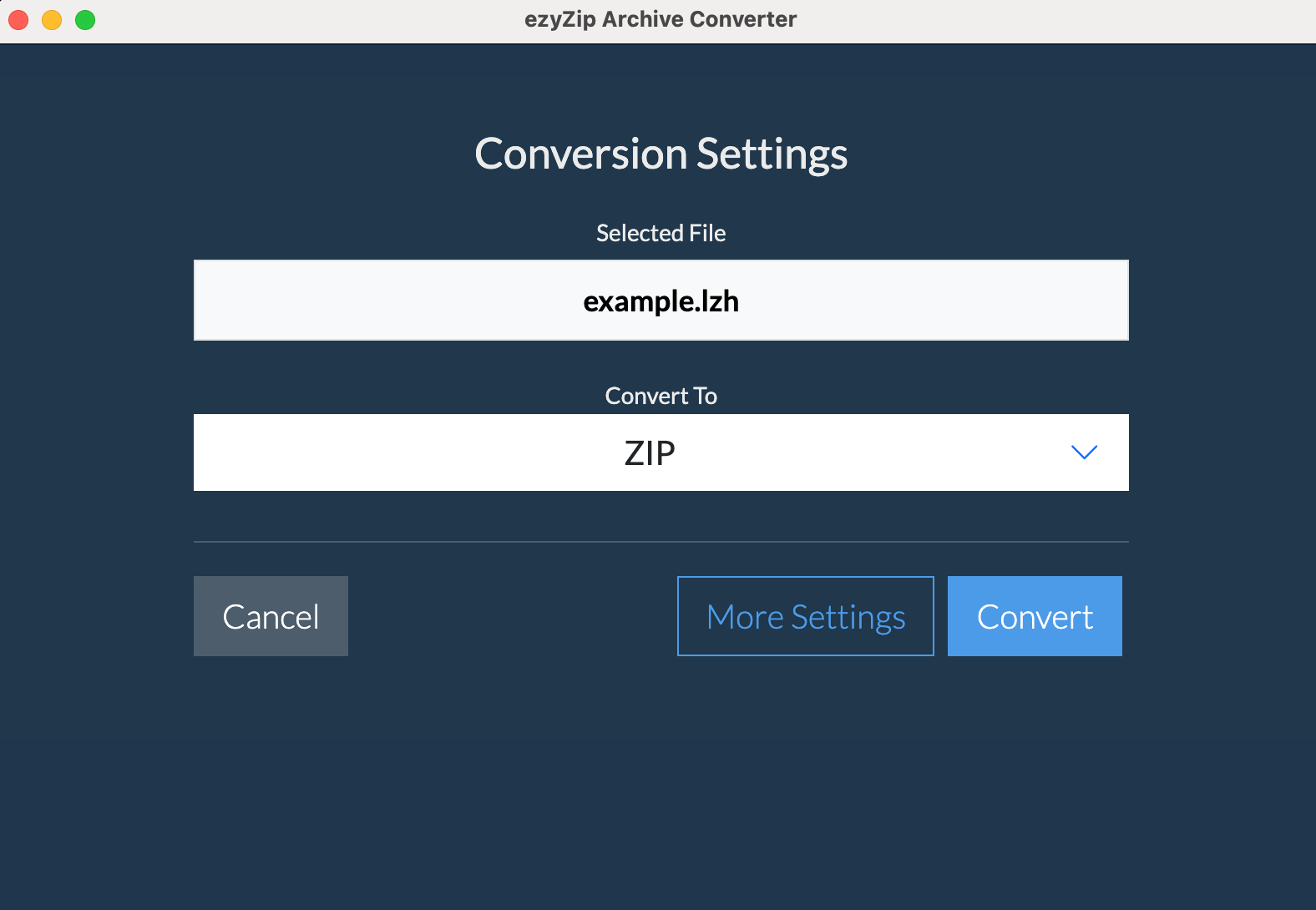
No Size Limits
Convert archives of any size
Ultra Fast
Local processing for speed
Works Offline
No internet needed after install
100% Secure
Files never leave your computer
What's New in Version 2026.07.27
Seventeen new decoding engines, one job: turn any archive into a format anyone can open
Convert 250+ Formats
Every format the app can read now converts, including dozens no other desktop tool will open
Windows Installers
Pull the contents straight out of Inno Setup, InstallShield, Wise, NSIS, Squirrel, and six more installer families without running them
Vintage DOS Archives
UHARC, SQZ, HYP, BOA, ARQ and twenty-one more run under an embedded DOS emulator, because the original tool is the only thing that ever decoded them
Supported Formats
Convert between 250+ archive formats, from everyday ZIP, RAR, and 7Z to Windows installers, Mac StuffIt, and vintage DOS archives
Read Formats
Convert FROM these formats
Save Formats
Convert TO these formats
Frequently Asked Questions
Everything you need to know about ezyZip Archive Converter
- Windows 10 or 11 (64-bit), or macOS 11 or later
- 4GB RAM minimum (8GB recommended for large or batch jobs)
- Disk space:
- ~500MB for application installation
- Sufficient temporary space for file conversion (at least as much as your largest archive size, as files need to be extracted before being recompressed)
Internet is only needed for:
- Initial download and installation
- License verification (once on installation)
- Checking for updates
All file processing is done locally on your computer - no files are uploaded to the internet.
Read Formats:
ezyZip Archive Converter converts from over 250 formats, including:
Popular formats: Zip, Zipx, RAR (with improved RAR5 support), 7z, Tar, Gzip, Bzip2, LZMA/XZ, CAB, MSI, ISO/BIN/MDF/NRG/CDI disc images, and split files
Windows installers: Inno Setup, InstallShield (both the modern and the classic cabinet formats), Wise, NSIS, Setup Factory, CreateInstall, Squirrel, WiX Burn, Advanced Installer, and Clickteam, with multi-part installers handled as one archive
Mac & Apple formats: StuffIt (including password-protected), StuffIt X, self-extracting SEA, BinHex, MacBinary, AppleSingle/AppleDouble, PackIt, Apple Archive, and Apple Encrypted Archive (passphrase or key file)
Vintage DOS archivers: UHARC, SQZ, HYP, BOA, ARQ, HA, HPACK, and more, with 26 DOS-era formats decoded by running the original DOS tool inside a built-in emulator
Retro systems: Commodore D64/T64, Apple II ShrinkIt, RISC OS Spark, ArcFS and PackDir, and CP/M LBR
Legacy formats: DiskDoubler, Compact Pro (no encryption), Cpio, Compress (.Z), ARJ (no multi-part), ARC/PAK, ACE, Zoo, LZH, ADF/DMS (FFS), LZX, PowerPacker, Squeeze, Crunch, and many Amiga-specific formats
Regional archives: ALZ, EGG
Gaming/Console: Wii disc formats (WBFS, WDF, GCZ, RVZ), GameCube images
Modern compression: BZ3/TBZ3 (BZIP3), LZ4/TLZ4, LZO/TLZO (LZOP), RZ (rzip), LRZ (lrzip), SZ (Snappy), ZL (raw zlib), Freeze, and FreeArc
Unusual formats: XAR (FFS), RPM, Deb, Ar, ALZip (no encryption), WARC web archives, NSA/SAR (partial), NDS, SWF (images and audio)
Plus standard folders and all previously supported formats. Every file is identified by its contents rather than its filename, so archives with a wrong, generic, or missing extension still convert correctly.
Write Formats:
You can convert TO these formats:
- ZIP - Most compatible format (with optional password protection)
- 7Z - Best compression ratio (with optional split/multivolume)
- ISO - Create disc images
- TAR - Unix standard archive
- TAR with compression:
- TAR.GZ - Good compression, widely supported
- TAR.BZ2 - Better compression than GZ
- TAR.ZST - Newer format, great compression, extremely fast speeds
- A - Unix static library archive format
- AR - Unix archive format, used for libraries and packages
- BIN - Binary archive format, commonly used for CD/DVD images
- CPIO - Unix CPIO archive format, used in package managers
- PAX - POSIX standard archive format with extended attributes
- WIM - Windows Imaging Format
- Disk Images - QCOW2, VMDK, VHD, VHDX, VDI, raw IMG
- Game Archives - VPK, FPX, PAK, BMZ
- Extract to files
Major new features include:
- 250+ formats: Seventeen new decoding engines mean every format the app can read now converts.
- Windows installers: Convert the contents of Inno Setup, InstallShield, Wise, NSIS, Squirrel, and six more installer families, without running them.
- Vintage DOS archives: 26 DOS-era formats like UHARC, SQZ, HYP, and BOA run their original tools inside a built-in emulator.
- Mac and Apple formats: StuffIt, StuffIt X, SEA, BinHex, MacBinary, Apple Archive, and Apple Encrypted Archive convert on Windows and Mac alike.
- Content-based detection: Files are identified by what they are, not what they are called, so mis-named or extension-less archives still convert correctly.
- Web archives: WARC crawls convert to archives of the real pages and images, with the HTTP headers stripped out.
This update brings the desktop converter to full parity with the ezyZip web app, now supporting 250+ formats.
Yes. The app reads the eleven most common Windows installer families, including Inno Setup, InstallShield (both the modern and the classic cabinet formats), WiX Burn, Squirrel, Advanced Installer, Clickteam, Wise, Setup Factory, and CreateInstall, and converts their contents to the archive format of your choice. The installer is never executed: its archive payload is read directly.
Multi-part installers with companion .bin or data1.cab files are handled as one archive: pick the setup file and the rest is found automatically. Password-protected Inno Setup installers are supported. If a file turns out to be an ordinary program rather than an installer, the converter says so plainly instead of producing a useless archive of executable fragments.
Yes. Twenty-six DOS-era archive formats have no modern decoder: the only software that ever read them is the original DOS utility. Rather than leave those files unreadable, the app ships a compact DOS emulator and runs the original tool inside it, then collects the results and writes them to the archive format you choose.
It is entirely automatic: pick the file, pick the output format, save. Emulator-backed formats take a few seconds rather than milliseconds, and everything runs locally on your machine.
Yes. StuffIt was the Mac standard for two decades and is now barely supported anywhere. The app converts StuffIt, StuffIt X, self-extracting .sea archives, BinHex, MacBinary, AppleSingle/AppleDouble, PackIt, and Apple's modern Apple Archive format on both Windows and Mac. Apple Encrypted Archive unlocks with either a passphrase or a key file, and password-protected StuffIt archives are supported too.
It will still convert. The app reads each file's signature and structure rather than trusting its filename, so a mis-named or extension-less archive is routed to the correct decoder automatically. This matters most for older archives, which often arrive renamed, truncated to three characters, or with no extension at all.
Yes. A WARC file is a raw record of a web crawl: each page and image is wrapped in HTTP protocol headers. Converting a WARC here gives you an archive of the actual files (the HTML, CSS, images, and scripts) with the protocol wrapping removed and sensible filenames applied.
Once the app is installed, you can continue using that version indefinitely - even if your subscription expires. No features will be disabled or locked.
However, you'll need an active subscription to:
- Download and install newer versions of the app
- Install the app on a new or reformatted computer
Yes! Once you've downloaded and installed ezyZip Archive Converter, you can cancel your subscription anytime. The app will continue to work with all features fully enabled - even after your subscription expires.
You'll need an active subscription to install the app, but once installed, you can cancel anytime.
By default, the app checks for updates when it starts and will notify you if a new version is available. You can:
- Allow update checks on startup (default)
- Disable update checks in settings
- Manually check for updates anytime via "Help > Check for updates..."
When a new version is available, you'll need to download and install it manually. Note that installing newer versions requires an active subscription.