Recover Lost Passwords
Forgot the password to a ZIP, RAR, 7-Zip, PDF, or Office file? ezyZip Password Recovery works through millions of likely passwords right on your own computer. Fast, private, and completely offline. Available exclusively to ezyZip Pro subscribers!
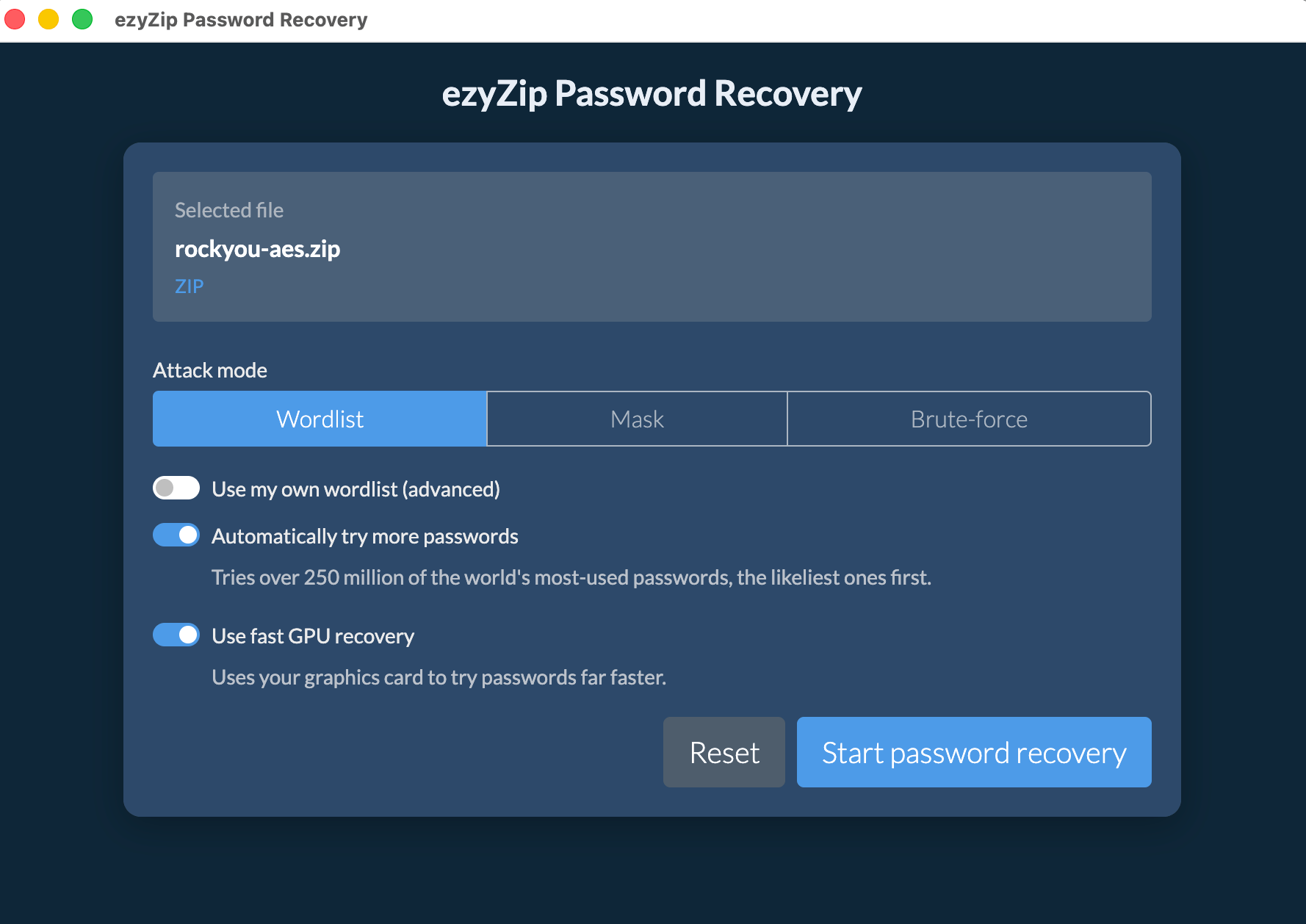
Recover Passwords
Smart, automatic recovery for encrypted archives and documents. Just pick a file and start.
GPU-Accelerated
Uses your graphics card to try passwords far faster, with automatic fallback to a fast multi-core engine.
Private & Offline
All recovery happens on your machine. Files and recovered passwords never leave your device.
Wide Format
Archives, documents, and macOS disk images, all covered in a single app.
How It Works
From locked file to recovered password in four steps
1. Choose File
Drag and drop an encrypted file onto the window, or browse for it.
2. Detect Format
The app recognizes the encryption type automatically and shows you what it found.
3. Try Passwords
Watch live progress as it works through likely passwords, with the current speed and an estimated time remaining.
4. Copy Password
When it is found, the password is shown on screen with a one-click Copy password button.
Powerful Recovery, Made Simple
Several ways to find the password, with the most likely candidates tried first
Recovery Modes
Pick the approach that fits what you know
Built In
Everything you need, nothing you do not
Supported Formats
Recover passwords for the encrypted files you actually use
Archives
Encrypted archive formats
Documents & Disk Images
Encrypted documents and Apple disk images
Frequently Asked Questions
Everything you need to know about ezyZip Password Recovery
- Windows 10 or 11 (64-bit), or macOS 11 or later (Intel or Apple Silicon)
- A compatible graphics card is optional. It enables faster GPU recovery, and without one the app runs on the multi-core CPU engine
- Internet is only needed to download the app, verify your subscription, optionally fetch the larger password list, and check for updates. Recovery itself runs offline
Once the app is installed, you can continue using that version indefinitely, even if your subscription expires. No features will be disabled or locked.
However, you'll need an active subscription to:
- Download and install newer versions of the app
- Install the app on a new or reformatted computer
Yes. Once you've downloaded and installed ezyZip Password Recovery, you can cancel your subscription anytime. The app will continue to work with all features fully enabled, even after your subscription expires.
You'll need an active subscription to install the app, but once installed, you can cancel anytime.
By default, the app checks for updates on startup and notifies you if a new version is available. You can:
- Allow update checks on startup (default)
- Disable update checks in settings
When a new version is available, you'll download and install it manually. Note that installing newer versions requires an active subscription.