Compression instructions below
How do I reduce BMP file size?
You can reduce bmp file size by setting a specific desired output file size or reduce by percentage.
-
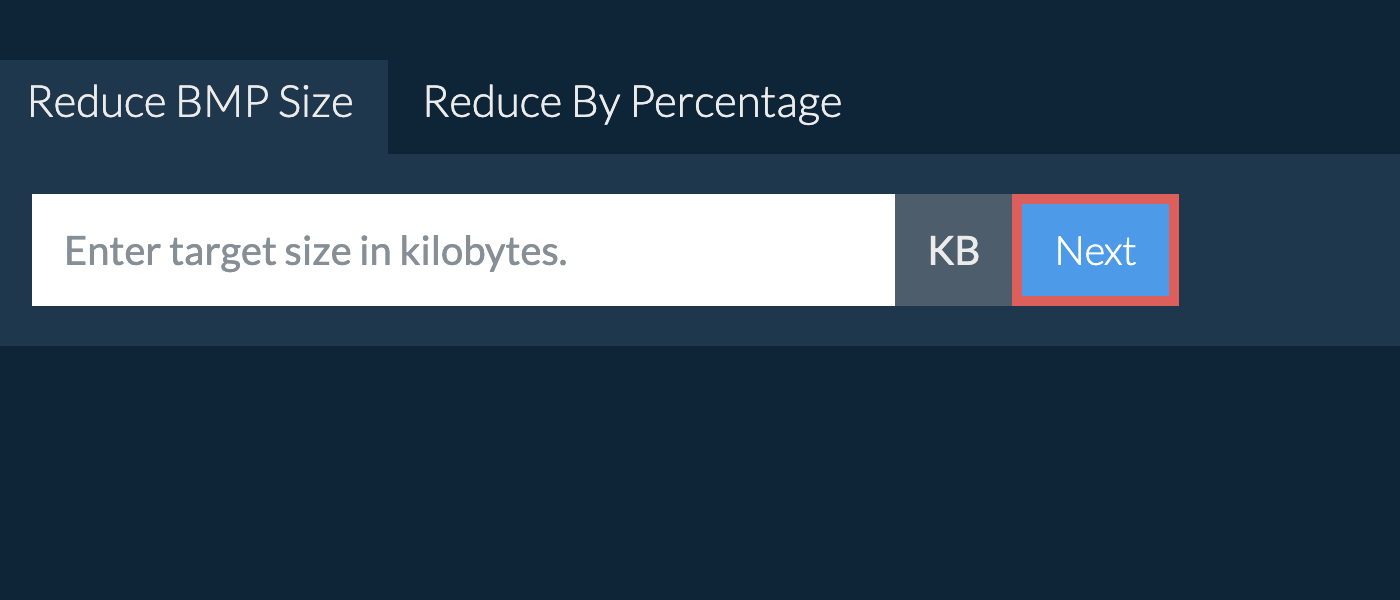
Enter the desired BMP file size in kilobytes and then click "Next".
-
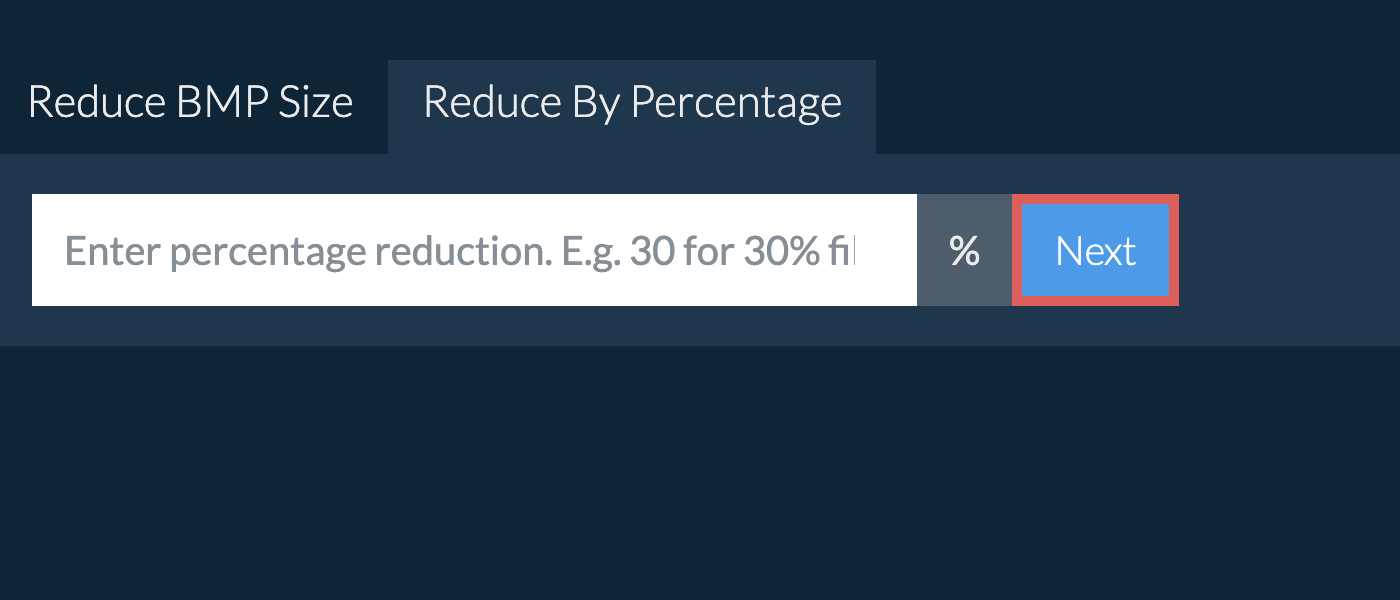
To reduce BMP by percentage, click the "By Percentage" tab and enter your desired percentage reduction. E.g. 30 for 30% file size reduction and click "Next".
You will be redirect to the correct file compression page. The page contains further instructions for reducing BMP file size.
Enter the size you need in kilobytes and ezyZip compresses the BMP image to fit under it. Common targets are 20KB, 50KB, 100KB, 200KB and 500KB, and any other value works just as well. Choose one from the list below, or type your own into the size box at the top of this page. Images are processed inside your browser, so nothing is uploaded.
- Compress BMP To Specific Size
- Reduce BMP to 5kb
- Reduce BMP to 10kb
- Reduce BMP to 15kb
- Reduce BMP to 20kb
- Reduce BMP to 25kb
- Reduce BMP to 30kb
- Reduce BMP to 40kb
- Reduce BMP to 50kb
- Reduce BMP to 75kb
- Reduce BMP to 100kb
- Reduce BMP to 150kb
- Reduce BMP to 200kb
- Reduce BMP to 250kb
- Reduce BMP to 300kb
- Reduce BMP to 400kb
- Reduce BMP to 500kb
- Reduce BMP to 600kb
- Reduce BMP to 750kb
- Reduce BMP to 1000kb
Choose how much smaller you want the image to be. Reducing by 50% halves it, and reducing by 80% leaves a fifth of the original size. ezyZip works out the target for you and compresses the BMP image to match. Choose a percentage from the list below, or type your own into the box at the top of this page.
Frequently asked questions
ezyZip processes files directly in your browser. Unlike most online tools, your files are not uploaded to our servers, which means faster processing and better privacy. Take a look at the feature comparison below and we think youll agree that ezyZip is the better choice for your file conversion needs.
| Feature | ezyZip | Other Online Tools |
|---|---|---|
| No Software Installation | Works Directly in Browser | Works Directly in Browser |
| Processing Location | Your Browser (No Upload) | Their Servers (Upload Required) |
| Privacy & Security | 100% Private (Files Never Leave Your Device) | Files Uploaded, Accessible by Others |
| Processing Speed | Fast (No Upload/Download Time) | Slow (Upload + Process + Download) |
| Registration Required | Never | Often Required for Large Files |
| Works Offline | Yes (After Page Load) | No |
| Image Format Support | 100+ Image Formats | Limited (JPEG, PNG, GIF only) |
| Compression Quality | Smart Quality Optimization | Basic Compression |
| Batch Processing | Process Multiple Images | One at a Time |
| Cost | 100% Free | Free with Limitations / Paid Tiers |
| Established | Since 2009 (15+ Years) | Recent (May Disappear) |
Why client-side BMP image compression keeps your photos private
Every pixel of your BMP images is processed within your browser's WebAssembly sandbox when using ezyZip. Here is why local image compression is technically superior:
- Desktop-Class EngineThe Emscripten-compiled image processing engine runs the same class of algorithms used by professional desktop tools — including advanced quantization, chroma subsampling, and progressive encoding — entirely within isolated browser memory.
- Multiple Compression ModesChoose between quality-based, percentage-based, or target-size compression. Each mode uses a different optimization strategy to balance visual quality against file size for your specific needs.
- Efficient Batch DownloadsCompressed outputs are staged through the Origin Private File System for efficient batch downloading. Process and download hundreds of images in a single operation without repeated file-picker interactions.
- Automatic CleanupSession cleanup ensures processed image data does not persist beyond your active browser session. Temporary files in the Origin Private File System are automatically purged when stale, keeping your browser storage clean.