Compression instructions below
How do I reduce AU file size?
You can reduce au file size by setting a specific desired output file size or reduce by percentage.
-
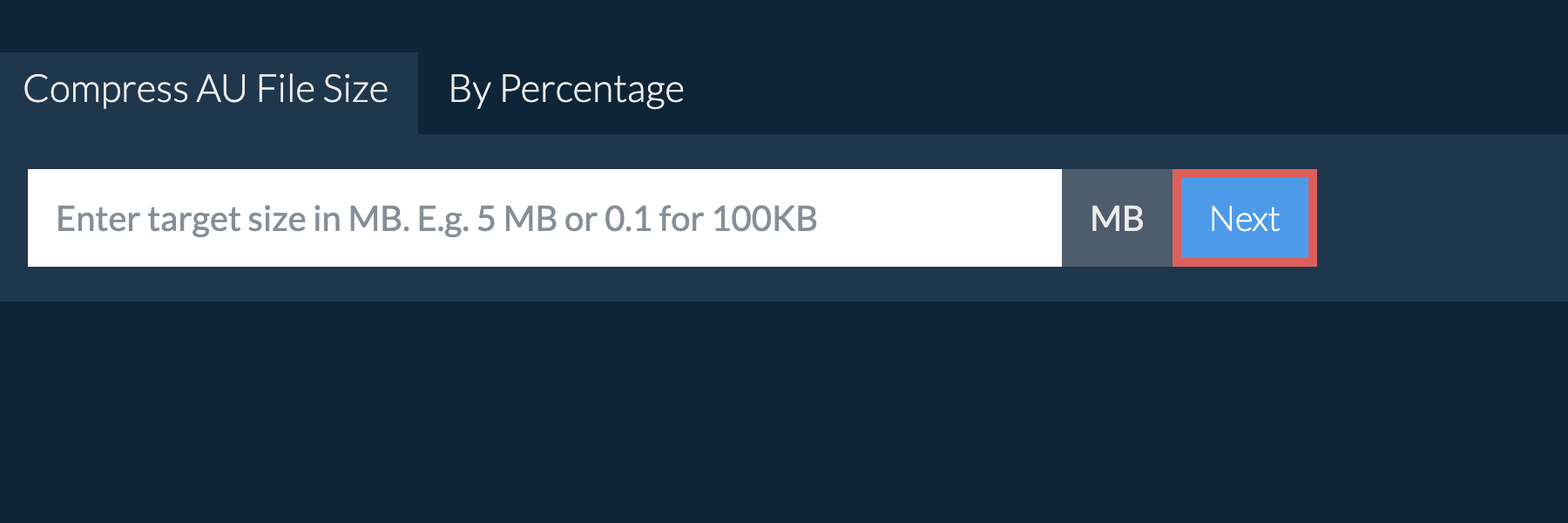
To reduce AU below a certain size, enter your desired file size in MB. E.g. 5 MB or 0.5 for 500KB and click "Next".
-
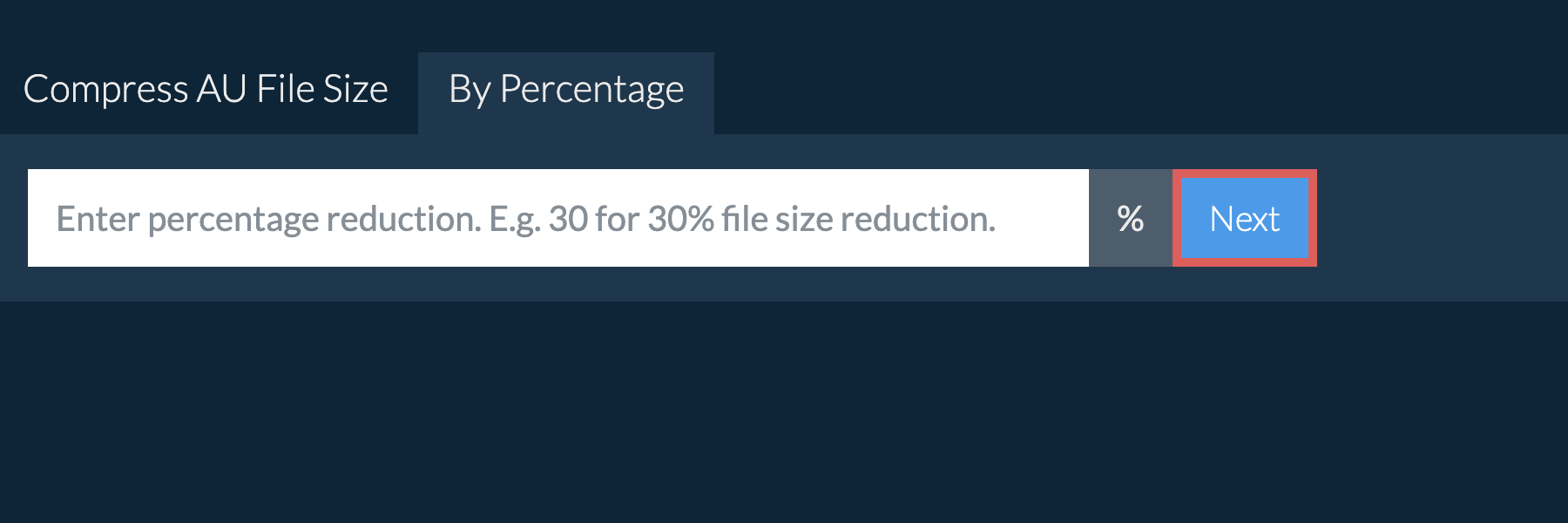
To reduce AU by percentage, click the "By Percentage" tab and enter your desired percentage reduction. E.g. 30 for 30% file size reduction and click "Next".
You will be redirect to the correct file compression page. The page contains further instructions for reducing AU file size.
Enter the size you need in megabytes and ezyZip compresses the AU file to fit under it. Common targets are 5MB, 10MB, 16MB, 20MB, 25MB and 100MB, and any other value works just as well. Choose one from the list below, or type your own into the size box at the top of this page. Files are processed inside your browser, so nothing is uploaded.
Choose how much smaller you want the file to be. Reducing by 50% halves it, and reducing by 80% leaves a fifth of the original size. ezyZip works out the target for you and compresses the AU file to match. Choose a percentage from the list below, or type your own into the box at the top of this page.
Frequently asked questions
The ezyZip audio compressor will select optimal audio bitrate and codec to ensure it closely matches original quality.
Once the compression process is complete, ezyZip offers a feature to "preview" the audio file before saving to see if it meets your quality requirements.
ezyZip processes files directly in your browser. Unlike most online tools, your files are not uploaded to our servers, which means faster processing and better privacy. Take a look at the feature comparison below and we think you'll agree that ezyZip is the better choice for your file conversion needs.
| Feature | ezyZip | Other Online Tools |
|---|---|---|
| No Software Installation | Works Directly in Browser | Works Directly in Browser |
| Processing Location | Your Browser (No Upload) | Their Servers (Upload Required) |
| Privacy & Security | Files Stay on Your Device | Files Uploaded, Accessible by Others |
| Processing Speed | Fast (No Upload/Download Time) | Slow (Upload + Process + Download) |
| Works Offline | Yes (After Page Load) | No |
| Media Format Support | 110+ Audio/Video Formats | Limited (MP4, MP3 only) |
| Output Quality | Clean Output, No Watermarks | Watermarks Added |
| Established | Since 2009 (15+ Years) | Recent (May Disappear) |
Why client-side AU media compression keeps your content private
ezyZip compresses AU media using a full WebAssembly-compiled codec library running locally in your browser. Here is why local media compression is technically superior:
- Local Codec ExecutionCompiled codec libraries run locally on your CPU, delivering the same encoding quality as desktop transcoding software. The WASM build includes optimized codec implementations that produce professional-grade output.
- Multiple Compression StrategiesChoose between target file size, percentage reduction, or resolution scaling — each mode uses a different optimization strategy tailored to that compression goal, with adaptive algorithms that adjust parameters for your specific content.
- Dual-Mode CompatibilityMulti-threaded primary execution via SharedArrayBuffer with automatic single-threaded fallback ensures consistent performance across all modern browsers. The engine detects your browser's capabilities and selects the optimal execution mode automatically.
- No Watermarks or Daily CapsFiles up to 1GB on the free version (no fixed limit in ezyZip Pro), with no watermarks stamped on output, no daily processing caps and no queue wait times. You get unrestricted access to the full codec library with no artificial limitations.